
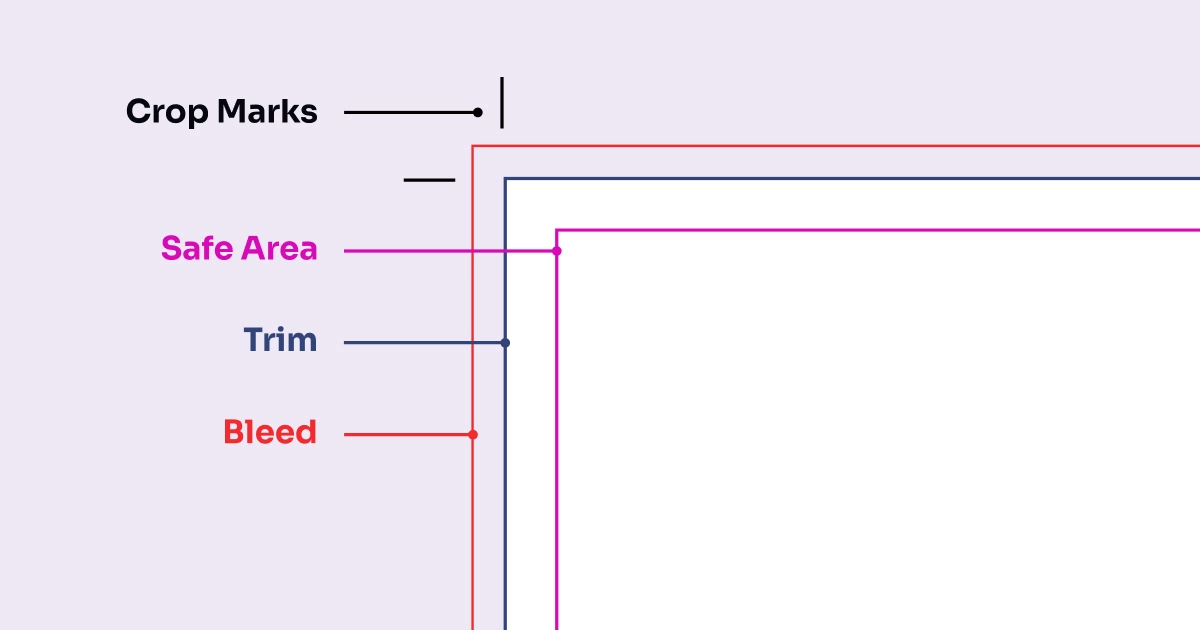
How to Design for Print and Get Amazing Results
Before you hit “send” to your friends over here at Quinprint, there are a few steps to ensure your project is “print-ready.” In this post we share some key features on how to design for print

In the world of printing and graphics, you might often hear the terms CMYK and RGB thrown around. When it comes to print you may wonder, why CMYK?
Understanding the difference between these two colour models is essential for anyone involved designing for print. Let’s delve into what these terms mean and why CMYK is so important for your printing needs.
Good question. These terms are fundamental in the printing and graphics world, and it’s important to understand the difference.
CMYK stands for Cyan, Magenta, Yellow, and “Key” (which is black). These are the ink colours used during the printing process. The term “key” is used instead of “black” because it represents a mixture of the cyan, magenta, and yellow inks, resulting in a black that can vary slightly.
RGB stands for Red, Green, and Blue. These are the colours of light used by computer monitors and televisions. Black is not listed because on-screen black is the absence of light. A mixture of red, green, and blue light produces white.
When you create an image or a document on your computer, you need to be mindful of the colour mode you use. Ideally, any image you create on your computer intended for printing should be created in CMYK mode. Here’s why:
A lot of digital images, such as JPEG files, are typically in RGB format. If you plan to print these images, it’s best to convert them to CMYK in your design software before sending them to print. This conversion helps you see a more accurate representation of how the final product will look.
Understanding and using CMYK in your printing projects is vital for achieving high-quality, professional results. Whether you’re designing brochures, business cards, posters, or any other printed material, starting with the right colour mode can make all the difference.
So, the next time you embark on a design project destined for print, remember to switch your colour mode to CMYK. Your printed products will thank you!
Before you hit “send” to your friends over here at Quinprint, there are a few steps to ensure your project is “print-ready.” In this post we share some key features on how to design for print
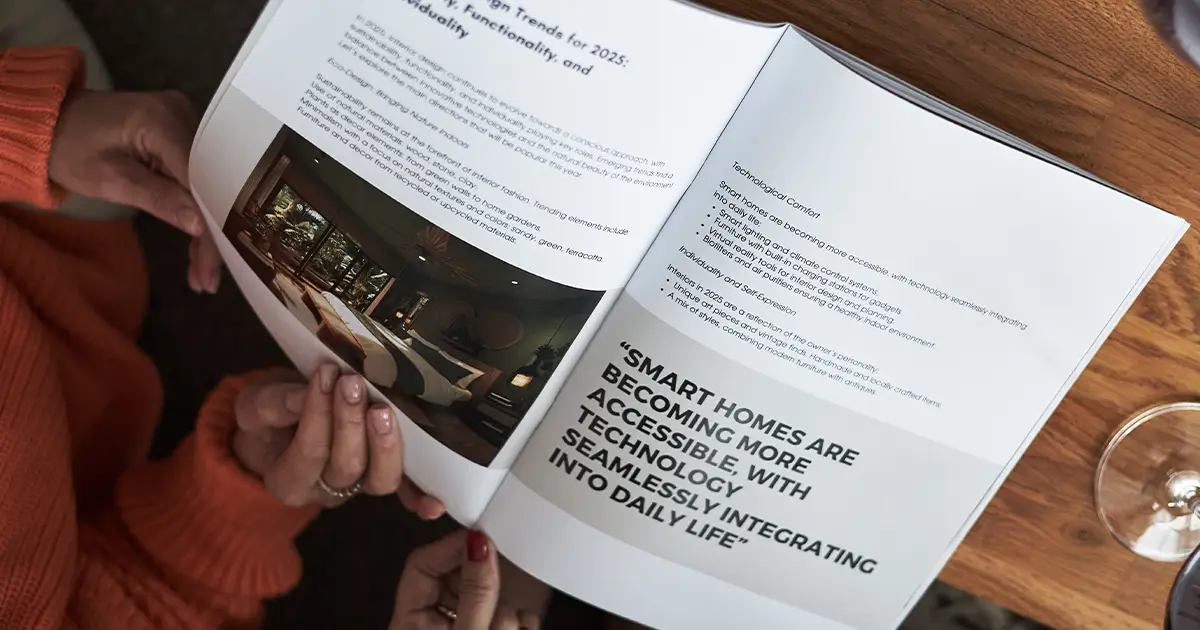
A saddle stitch booklet is one of the most common, cost-effective, and versatile binding styles
The team got together for a brainstorming session. We started with a simple question: how

At Quinprint, we’ve simplified things by describing our standard paper and card stocks in plain language.
We pair high-quality production with fast print turnaround options designed to fit your timeline and budget, without ever compromising our friendly service.
Be the first to know about deals, promotions, and more. Plus save big on your next online order.